 SimSmsBox
 Quick answer: 2FA backup codes are a short list of one-time recovery codes a service gives you when you turn on two-factor authentication. Each code works once as a substitute for your normal second factor, so if you lose your phone or can’t get a code, you can still log in. They’re your safety net against being locked out — which means they must be saved somewhere safe and offline, because anyone who has them can bypass your 2FA.
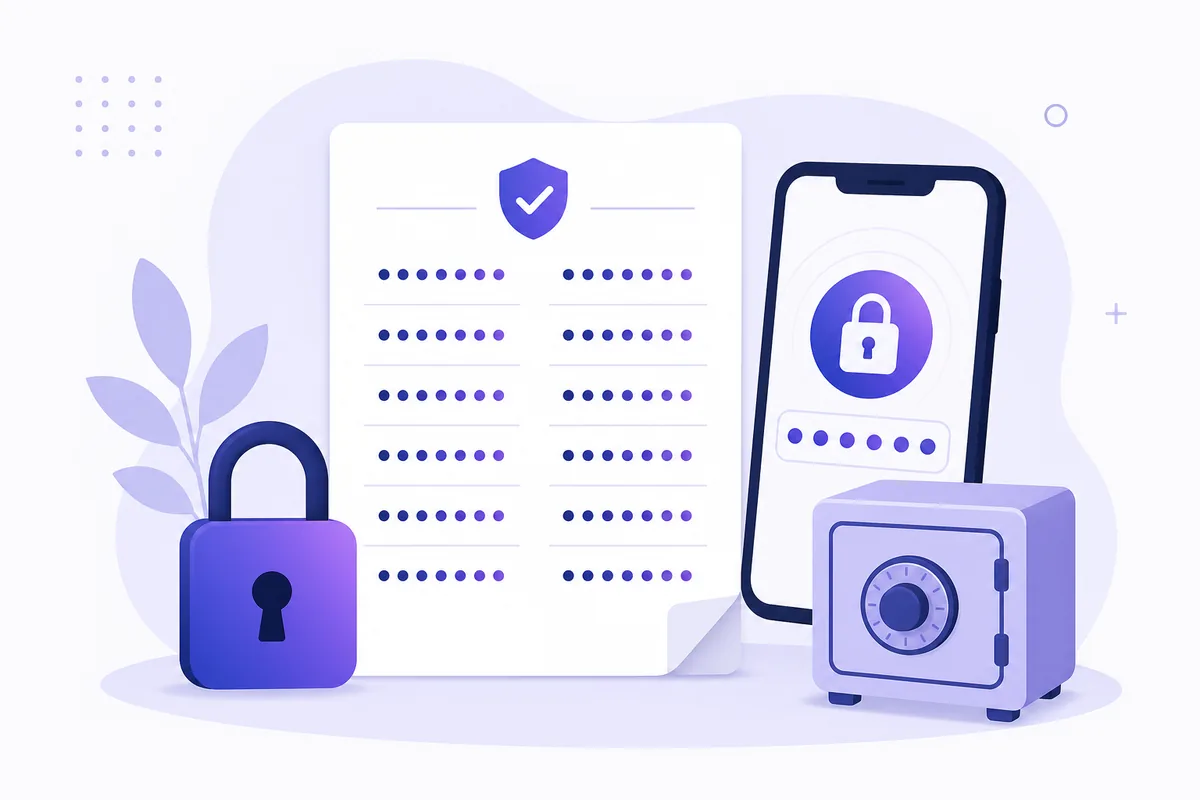
The moment you enable two-factor authentication, a service usually shows you a block of 8–10 random codes and says “save these.” Most people click past it — then panic later when their phone is lost or wiped. Those codes are the answer to “what if I can’t receive my second factor?” Here’s what they are and how to treat them.
1. What backup codes actually do
A backup code is a pre-generated, single-use token that stands in for your normal second step. If your 2FA is usually an SMS code or an authenticator app, a backup code is the escape hatch when that channel is unavailable — no signal, lost phone, dead battery, wiped device.
Key traits:
- Each code works once, then it’s spent.
- You get a small batch (often 8–10) at setup.
- Using or regenerating them invalidates the old set.
They don’t replace your password — you still enter that first. They only replace the second factor.
2. When they save you
| Situation | Without backup codes | With backup codes |
|---|---|---|
| Lost/stolen phone | Locked out, slow recovery | Log in immediately |
| Traveling with no signal | Can’t receive SMS code | Use a saved code |
| Authenticator app wiped | Factor gone | Use a saved code |
| Switching phones | Re-enroll under pressure | Calm transfer |
This is why backup codes matter most for people who rely on a single second factor. If SMS is your only method and you can’t receive a text, a backup code is often the only way back in short of a lengthy account-recovery process.
3. How to store them safely
Because a backup code bypasses 2FA, it deserves the same care as a password:
- Save them offline — printed and stored securely, or inside a password manager, not in a plain notes app synced everywhere.
- Don’t screenshot them into your camera roll, which often syncs to the cloud.
- Regenerate if you suspect they leaked; that voids the old list.
- Never read a backup code to anyone who contacts you — that’s the same trap as an OTP bot scam.
Treat the list as “10 spare keys to your account,” because that’s exactly what it is.
4. What this means if you receive codes online
If you rely on an online number to receive SMS codes without a SIM, backup codes are a smart complement. An online number is convenient, but it depends on the service’s routing and your access to the panel; backup codes give you a fully independent fallback that doesn’t need any message to arrive at all.
The practical habit: when you set up 2FA on a number, grab the backup codes at the same time and store them offline. That way a delayed or missing code never means a lockout — you always hold a spare that works without the network.
FAQ
Q: Can I reuse a backup code? No. Each code is single-use. Once you log in with one, it’s consumed and the rest remain until used.
Q: I lost my backup codes and my phone. Now what? You’ll have to go through the service’s full account-recovery process, which is slower and may require identity checks. That’s exactly what saving the codes prevents.
Q: Are backup codes as sensitive as my password? Yes — more so in a way, since they bypass your second factor. Store them offline and never share them.
Takeaway
2FA backup codes are your emergency keys: a handful of one-time codes that let you in when your normal second factor is unavailable. They turn a lost phone from a lockout into a minor inconvenience — but only if you save them offline and guard them like passwords, because whoever holds them can walk past your 2FA.