 SimSmsBox
 Quick answer: You can receive SMS online with no SIM card — through an SMS platform you pick a real number in your browser, use it to register a target service, and the verification code appears on the platform’s page. No card, no physical phone. The keys to reliable delivery are choosing a real SIM number source and keeping the country/IP matched.
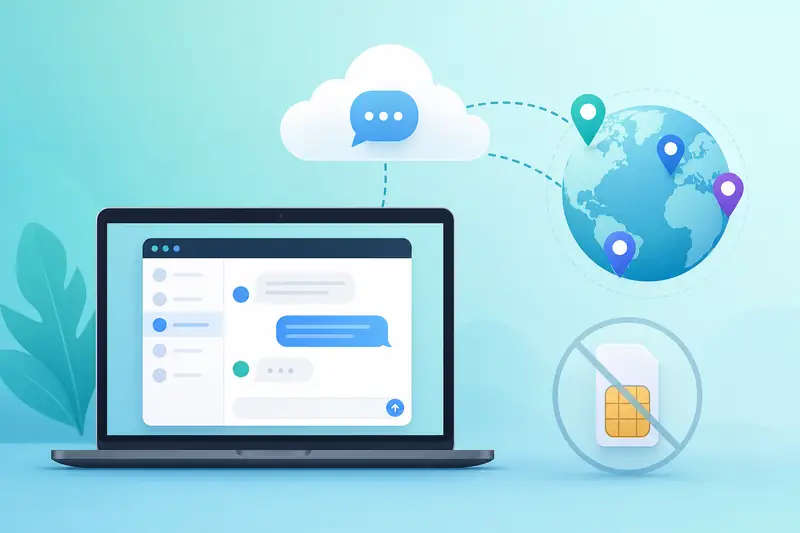
No local SIM before a trip, a device without a card slot, or simply not wanting to expose your private number — in all these cases, receiving SMS online is genuinely useful. It lets you get a working number and read the code right in your browser. This guide covers how it works, the steps, and how to maximize your success rate.
1. How online SMS reception works
Traditional texting needs a SIM card inside a phone. Online reception moves that step to the cloud: an SMS platform maintains a large pool of real numbers, and once you pick one on the web, any text it receives syncs to the platform page in real time. All you do is pick a number → enter it on the target site → return to read the code.
Because verification is really about “proving you control this number right now” (see What is an OTP code), the check passes as long as the platform receives that text — whether or not you own a physical card.
2. The full flow (5 steps for beginners)
- Sign up and top up: create an account on the SMS platform and add a small balance.
- Pick service + country: choose your target platform and the number’s country.
- Get a number: the system assigns a temporary number — copy it.
- Verify on the target site: enter the number on the sign-up/login page and hit “send code.”
- Read the code: the code appears on the platform page — enter it back to finish.
3. Keys to a high delivery rate
When online reception fails, it’s usually one of these:
| Factor | What to do |
|---|---|
| Number type | Choose a real SIM number, not an easily-rejected virtual one |
| Country match | Keep the number’s country aligned with the service and your IP |
| Waiting time | SMS lags — wait out the countdown before calling it a failure |
| Number freshness | Prefer numbers that haven’t been reused repeatedly |
To pick a country by target service, weigh your options against how much SMS verification costs.
4. When it fits — and when it doesn’t
Good for:
- One-off verification for overseas apps, social media, and email;
- No local number, or a device with no SIM slot (some tablets/computers);
- Privacy — keeping your private number hidden.
Not for:
- Banks, payments, or KYC accounts — use your own long-term real number;
- Accounts you’ll rely on long-term — temporary numbers can be recycled.
For risks and boundaries, see Is using an SMS service legal.
5. Common misconceptions
- “Online numbers are all virtual.” Not true — reputable platforms offer real SIM sources with high delivery.
- “No code means the platform is a scam.” Usually it’s the wrong country or too little waiting; switching number/country often fixes it.
- “Cheaper is always better.” Low prices often mean bad numbers — the real cost matters more than the sticker.
FAQ
Q: Truly no SIM card at all? Correct. The number and reception both live on the platform side — you only need a browser.
Q: Can I receive voice codes? Some platforms support voice reception for services that only call. Check whether voice is marked when picking a number.
Q: Can a number be reused? Temporary numbers are usually one-off, released after the verification. Don’t rely on long-term availability.
Takeaway
You can receive SMS online without a SIM card because the platform moves “pick a number + read the code” into the cloud. For reliable success, remember three things: use a real SIM number, match the country/IP, and wait out the SMS countdown. It’s efficient for one-off sign-ups and privacy — but always use your own number for important accounts. To choose a provider next, compare with Real SIM vs virtual numbers.