 SimSmsBox
 Quick answer: A port-out scam is when a fraudster transfers your phone number to a carrier they control, using your stolen personal details to authorize the “port.” Once the number moves, your SMS codes and calls go to them — and they use that to break into your accounts. It’s a cousin of the SIM swap: same goal (hijack your number), different method (port to a new carrier instead of a new SIM). A port freeze or number-transfer PIN is the main defense.
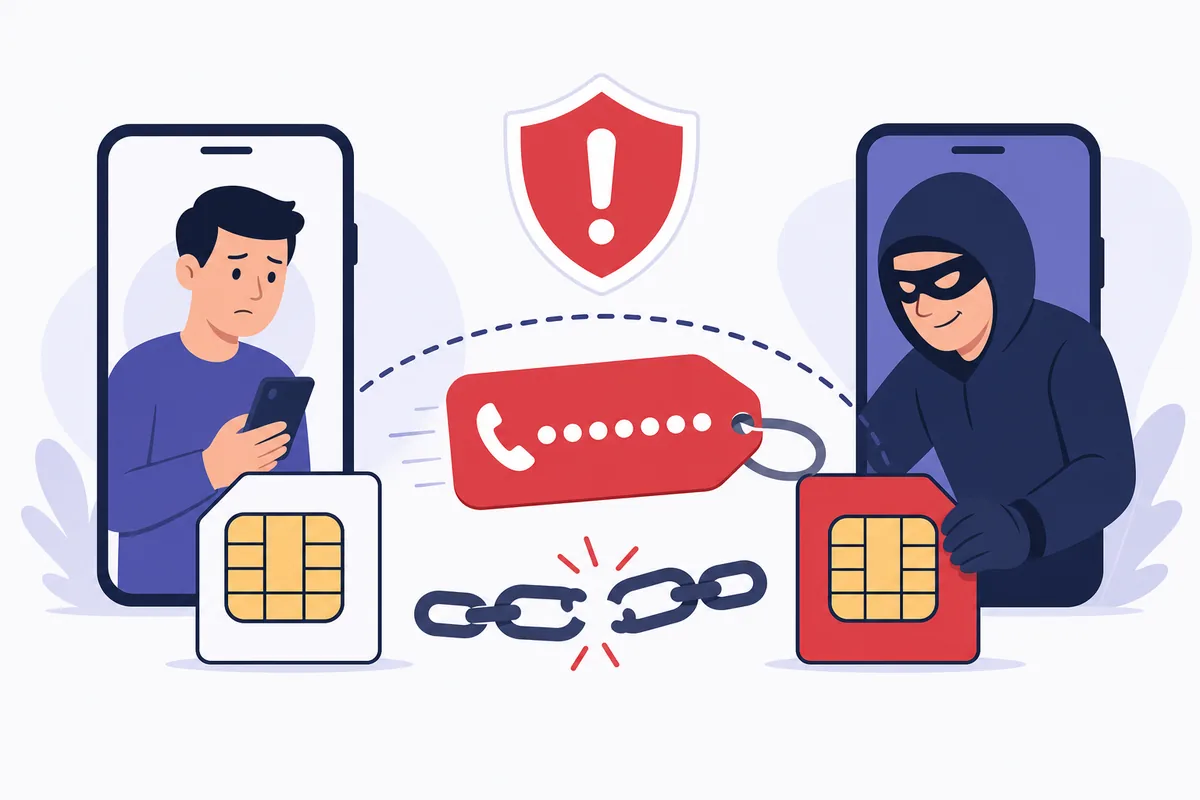
Number portability — your right to keep your number when you switch carriers — is a genuinely useful feature. A port-out scam abuses it: the attacker pretends to be you switching providers, and your number simply walks over to their phone. Suddenly your codes arrive on their device. Here’s how it works and how to lock it down.
1. How a port-out attack works
The steps are depressingly simple once an attacker has your personal data (from a leak or phishing):
- They gather enough details to impersonate you — name, address, account info.
- They contact a different carrier and request to port your number in, claiming to be you switching service.
- If the checks are weak, the number transfers to a SIM they control.
- Your phone loses service, and every SMS OTP code now lands on theirs.
- They reset passwords on your email, bank, and crypto accounts using those codes.
The damage flows from one fact: control the number, control the codes.
2. Port-out vs SIM swap
They’re often confused because the outcome is identical — your number, their device. The difference is the method:
| Port-out scam | SIM swap | |
|---|---|---|
| Method | Transfer number to a new carrier | Reassign number to a new SIM on same carrier |
| Who’s tricked | The gaining carrier | Your current carrier |
| Your phone shows | ”No service” after port | ”No service” after swap |
| Shared defense | Transfer PIN / port freeze | Carrier PIN, alerts |
Both belong to the same threat family as SIM swap attacks, and both end with your codes in the wrong hands.
3. How to protect your number
Carriers now offer specific controls — use them:
- Set a number-transfer PIN / port-out PIN with your carrier, so no port can happen without it.
- Enable a port freeze / SIM-lock if your carrier supports it.
- Watch for sudden loss of service — an unexpected “no signal” can mean your number just moved. Act fast.
- Reduce reliance on SMS for critical accounts by adding an authenticator app or passkey, which a ported number can’t produce.
These steps don’t make you invisible, but they turn an easy port into a hard one.
4. What this means if you receive codes online
A port-out scam targets a personal SIM registered in your name — it’s about hijacking the identity tied to your primary number. A number you use purely to receive codes online without a SIM isn’t your personal carrier line and isn’t the target of a port-out against you.
The broader point stands, though: because SMS is tied to who controls a number, your most sensitive accounts benefit from a second factor that isn’t a phone number at all. Use SMS codes freely for routine logins, and protect your primary personal number with a transfer PIN so it can’t be ported out from under you.
FAQ
Q: How is a port-out scam different from a SIM swap? Both hijack your number. A SIM swap moves it to a new SIM on your current carrier; a port-out transfers it to a different carrier entirely. The defenses (a transfer PIN) overlap.
Q: What’s the first sign I’ve been port-scammed? Your phone suddenly shows “no service” for no reason. If that happens unexpectedly, contact your carrier immediately — your number may have been ported.
Q: Does a transfer PIN really help? Yes. A port-out PIN or freeze means a carrier shouldn’t move your number without the secret, blocking the most common version of the attack.
Takeaway
A port-out scam hijacks your number by transferring it to an attacker’s carrier, sending your codes to their phone — the SIM swap’s twin. Lock it down with a number-transfer PIN or port freeze, watch for sudden loss of service, and keep your most sensitive accounts on a factor that isn’t tied to a phone number at all.