 SimSmsBox
 Quick answer: A SIM swap attack is when a fraudster impersonates you and tricks (or bribes) your carrier into moving your phone number onto a SIM card they control. Once it works, all your SMS codes go to their phone, and your bank, exchange, and email accounts can be taken over. The core defense: don’t rely on SMS 2FA alone for important accounts — use an authenticator app or a hardware key.
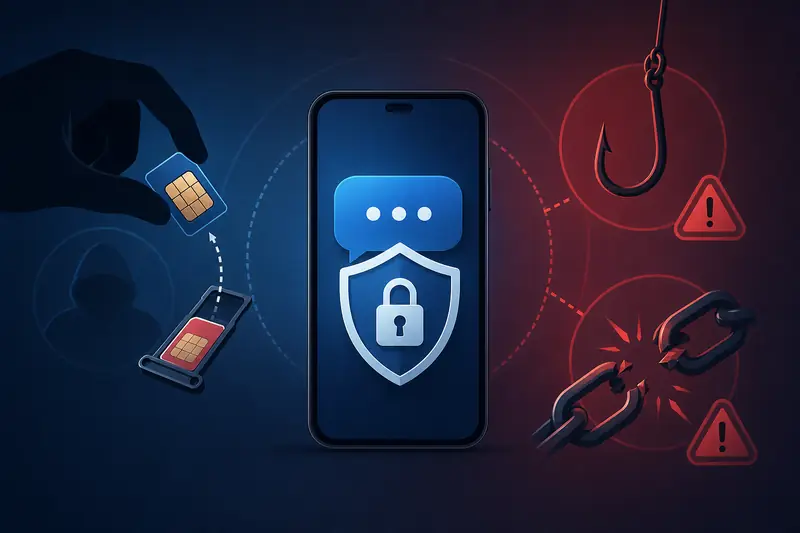
SMS codes are convenient and universal, but they are not the most secure form of two-factor authentication. The classic threat is the SIM swap attack. Understanding how it works tells you which accounts should never rely on SMS alone.
1. How a SIM swap attack unfolds
- Gather info: the attacker collects your name, number, and ID details from data leaks, social engineering, or phishing.
- Impersonate and port: they contact your carrier pretending to be you — “lost phone / new SIM” — and ask to move the number to a new SIM.
- Take over the number: once the carrier ports it, your phone loses signal and all SMS and calls go to the attacker.
- Reset accounts: they use “forgot password + SMS code” to seize your email, bank, and exchange accounts.
The whole thing can happen without your knowledge; by the time your phone shows no service, it is often too late.
2. Why SMS 2FA can be broken
The security of an SMS code rests on one assumption: only you can receive that message. A SIM swap breaks exactly that assumption — once the number is ported, the SMS is no longer “only for you.” By contrast, an authenticator app (TOTP) and hardware keys store their secret locally on your device; it doesn’t travel with the number, so it resists SIM swaps. That is the recurring conclusion in SMS codes vs authenticator apps: which is safer.
3. Which accounts are most at risk
| Account type | Risk | Recommendation |
|---|---|---|
| Bank / payment / exchange | Very high, money at stake | Hardware key or authenticator app; drop SMS recovery if possible |
| Primary email | High — it’s the “recovery hub” | Authenticator app + backup codes |
| Social / messaging | Medium | Turn on a two-step password (e.g. Telegram cloud password) |
| Throwaway accounts | Low | Minimal impact, no need to over-worry |
4. How to protect yourself
- Move important accounts to an authenticator app or hardware key. Downgrade SMS to backup or off.
- Add a password/PIN to your carrier account. This blocks impostors from requesting a SIM swap.
- Expose your real number less. For non-critical sign-ups, use a verification number or throwaway number instead of your main one. See How to protect your phone number privacy.
- Beware phishing. Never click strange links or share codes — especially when “support” asks for them.
- Act fast on sudden loss of signal. No service can mean a network issue — or a SIM swap. Contact your carrier immediately.
FAQ
Q: Can a number from an SMS verification platform be SIM-swapped? Verification numbers are mostly one-off and unimportant, so they aren’t SIM-swap targets. What you must protect is your personal main number tied to banking and email.
Q: Is turning on SMS 2FA actually making me less safe? No. SMS 2FA is still far safer than a password alone. For high-value accounts, just add an authenticator or hardware key on top.
Q: Would anyone target an ordinary person? SIM swaps usually target crypto holders, high balances, or public figures. But if you protect a wallet with SMS, it’s worth taking precautions early.
Takeaway
SIM swaps are a reminder: SMS codes are great for everyday convenience but shouldn’t single-handedly guard your most valuable assets. Move banking, exchanges, and your primary email to an authenticator app or hardware key, add a PIN to your carrier account, and you’ll cut SIM-swap risk to a minimum.