 SimSmsBox
 Quick answer: QR code login lets you sign in on one device (usually a computer) by scanning a QR code with an app on another device you’re already logged into (usually your phone). The phone acts as the trusted key: scanning proves you control it, so the computer gets signed in without typing a password. It’s fast and skips passwords on the new device — but it’s only as safe as your phone, and scanning a QR code from an untrusted source can be dangerous.
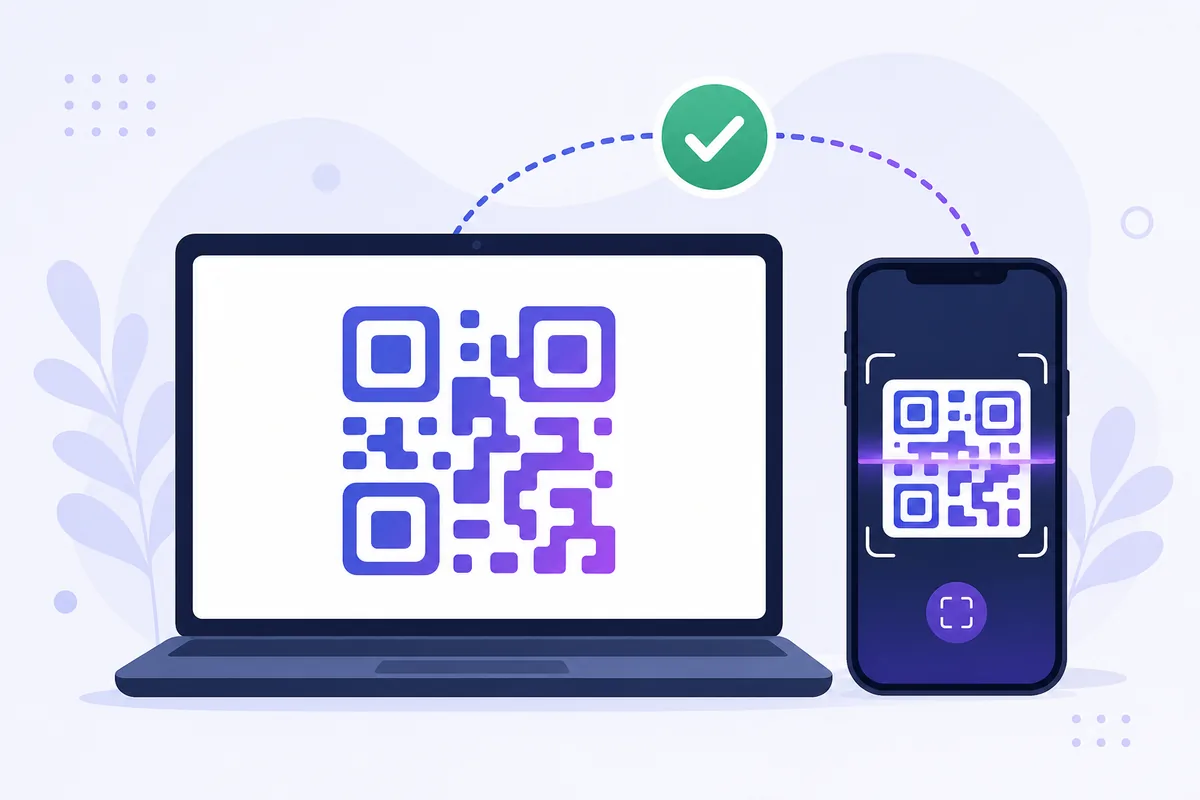
You’ve seen it on messaging apps and increasingly on websites: a square QR code with “scan to log in.” No password typing, no code to read — just point your phone and you’re in. It feels almost magical, but the mechanism is straightforward, and understanding it explains both why it’s convenient and where the risks are.
1. How QR login actually works
The flow uses your phone as an already-trusted device:
- The website (on your computer) displays a QR code containing a unique, short-lived token.
- You open the app on your phone — where you’re already logged in — and scan it.
- Your phone sends that token plus its authenticated session to the service.
- The service matches the token, confirms your phone’s identity, and logs the computer in.
In effect, your logged-in phone vouches for the new device. The QR code is just a convenient way to pass a one-time token between screens.
2. Why services use it
QR login solves real friction, especially where typing is awkward:
| Benefit | Why it matters |
|---|---|
| No password on the new device | Nothing to type or leak on a shared PC |
| Fast | One scan vs. password + 2FA code |
| Ties access to a trusted phone | The phone is the possession factor |
| Good for TVs / kiosks | Where keyboards are painful |
It’s essentially a possession-based login: control of your phone is the proof, similar in spirit to a passkey but using the QR handoff.
3. The security trade-offs
QR login is convenient, but the trust rests entirely on your phone — and on what you scan:
- Your phone is the key: if it’s unlocked and in the wrong hands, so is the login.
- QR phishing (“quishing”): attackers trick you into scanning a code that authorizes their session instead of yours — a real-world scam pattern. Only scan login QR codes shown by the genuine site on a device you control.
- Session hijacking risk: because the phone approves a full session, treat a scan request the same way you’d treat approving a login — never do it on someone else’s prompt.
The rule mirrors other verification advice: only complete a login you started, and be suspicious of any QR code someone else asks you to scan.
4. What this means if you receive codes online
QR login is a device-to-device handoff — nothing is sent to a phone number — so an online SMS number isn’t part of a pure QR flow. If a service only offers QR login, receiving codes online doesn’t apply to that step.
But most services still provide an SMS code path alongside QR — for setup, for new accounts, or as a fallback. That texted code is the phone-number-based option an online number can complete, as when you receive codes online without a SIM. QR handles returning logins on trusted devices; SMS handles the number-based verification.
FAQ
Q: Is QR code login safe? Yes, when you scan a code shown by the genuine service on your own device. The risk is “quishing” — being tricked into scanning a code that authorizes an attacker’s session. Never scan login QR codes from untrusted sources.
Q: What happens if someone gets my phone? Because your phone is the trusted key, an unlocked phone in the wrong hands can approve QR logins. Keep it locked with a strong passcode or biometric.
Q: Do I still need a password with QR login? Not on the device you’re scanning into — the phone vouches for you. You do need to be logged in on the phone, which usually required a password or passkey at some point.
Takeaway
QR code login uses your already-trusted phone to vouch for a new device by scanning a one-time token — fast, password-free, and tied to a device you control. Its safety rests entirely on your phone and on only scanning genuine codes, while number-based verification still runs over SMS, which an online number can receive.