 SimSmsBox
 Quick answer: A magic link is a one-time login URL sent by email: you tap it, the browser finishes sign-in, and you usually never type a password. It’s a form of passwordless authentication whose real proof is “you can open that inbox.”
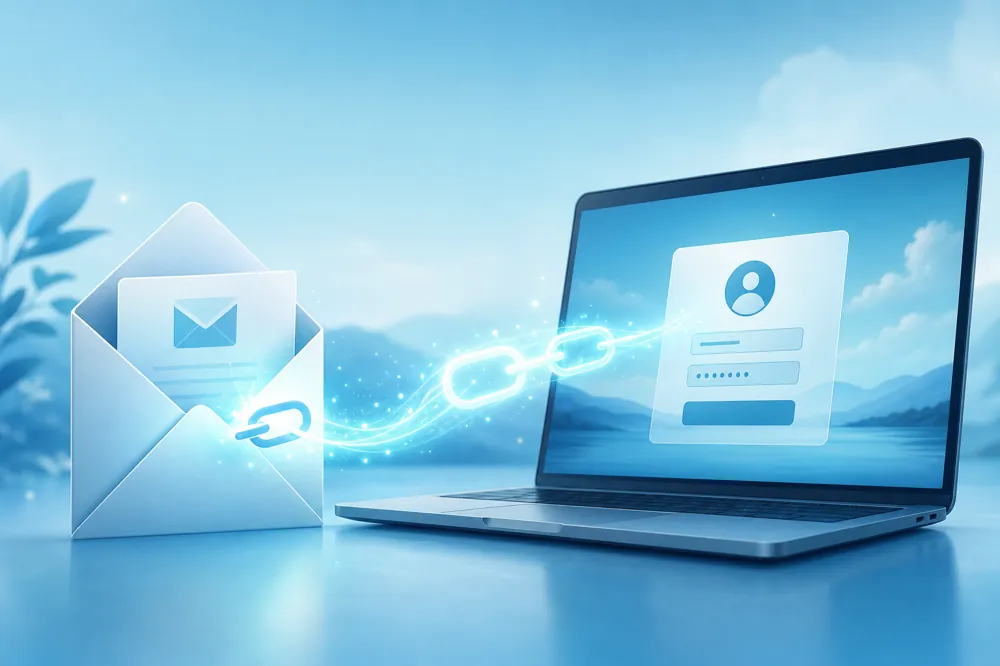
Slack, Medium, many SaaS tools, and a growing list of consumer apps offer “Email me a login link.” You enter an address → get the message → click → you’re in. No password to forget, and no password to stuff from a breach — but if the mailbox falls, the front door falls with it. Here’s how magic links work, how they compare to OTPs, and when they make sense.
1. How a magic link works
Typical flow:
- You enter your email on the login page.
- The server creates a short-lived, single-use token and embeds it in a signed URL.
- That link is emailed to you.
- You click; the site checks the token isn’t expired or reused, then opens a session.
Tokens often die in minutes. Once used, they’re void — same two rules as OTPs (one-time + short TTL), just delivered as a clickable URL instead of six digits.
2. Magic link vs email OTP vs SMS OTP
| Magic link | Email OTP | SMS OTP | |
|---|---|---|---|
| User action | Click | Copy/paste digits | Copy/paste digits |
| Depends on | Inbox access | Inbox access | SMS delivery |
| Phishing angle | Fake login emails with bad URLs | Steal the digits | Steal the digits |
| Friction | Lowest typing | Medium | Medium |
Magic links remove “read and type,” but on shared devices or sketchy mail clients the mis-click risk is higher.
3. Security habits that matter
- Don’t forward the email — forwarding is handing someone your login.
- Check the sender domain and URL before clicking; fake “login alerts” are common.
- Lock down the mailbox with strong 2FA; the magic link is only as strong as the inbox.
- Be careful on public devices — sign out after, and review sessions from a trusted machine.
For high-risk actions (password change, payouts), many products still add step-up authentication or an authenticator/SMS check.
4. When magic links fit
Good fit: tools people use infrequently, content sites, products drowning in “forgot password” tickets.
Weaker fit: offline-heavy users, unreliable email delivery, or flows that already center on SMS verification — SMS or voice OTP is often more direct there.
If a product offers both magic links and SMS, pick the channel that’s more stable and private for you — not just the bigger button.
FAQ
Is a magic link a password?
Not a traditional one. It’s a one-time credential — closer to a session ticket mailed to your inbox.
I clicked and nothing happened?
Check spam, expiry, and whether another device already consumed the link. Request a fresh email if needed.
Safer than SMS?
Not automatically. You trade carrier/SIM-swap risk for mailbox-takeover and phishing-link risk.