 SimSmsBox
 Short answer: First decide whether the code was never sent or sent and lost. The first is a rejected number range; the second is carrier filtering or a dropped route. The fixes are unrelated, so getting the order wrong wastes the whole session.
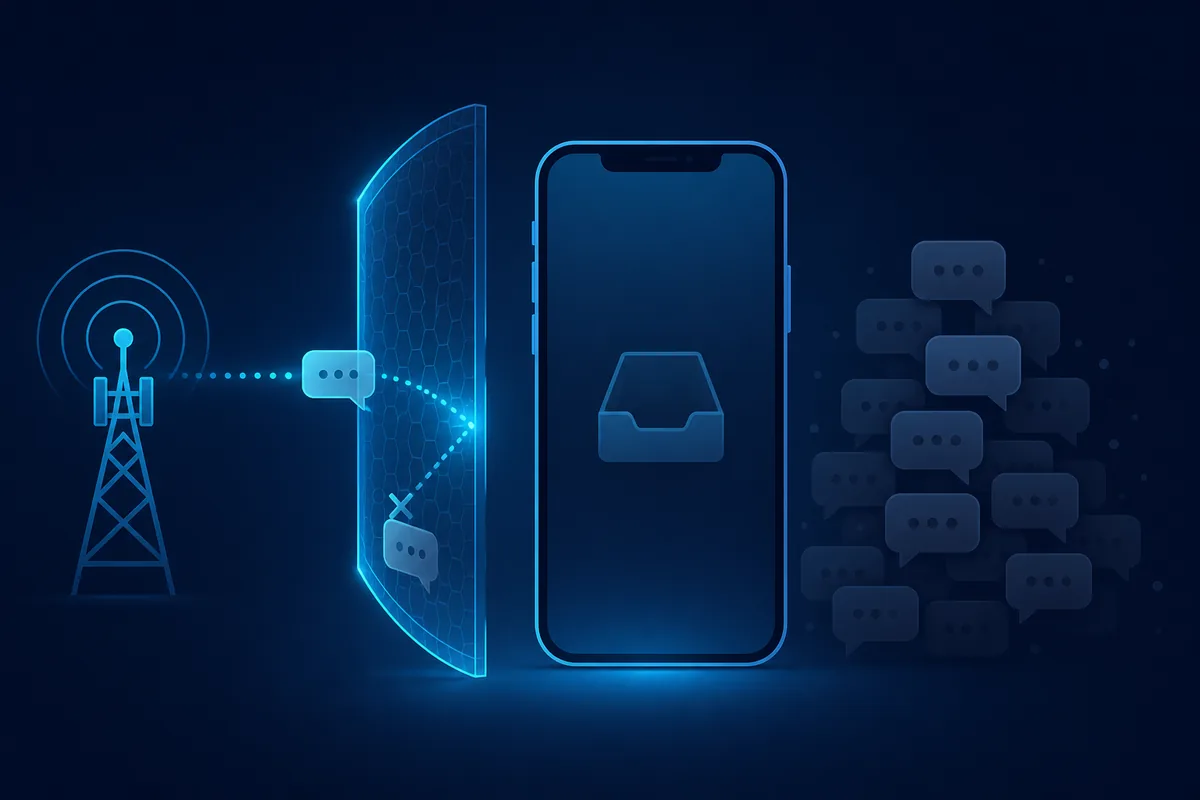
Hitting resend repeatedly is the least useful thing you can do. It does not change how the range is classified, it does not bypass a filter, and it can trip rate limiting.
Step one: never sent, or never arrived?
| What you see | Likely cause | Where to go |
|---|---|---|
| ”This number isn’t supported” | Range rejected | Change country or source |
| ”Code sent” but nothing lands | Filtering or packet loss | Wait the full window, then swap |
| First few worked, now nothing | Reputation burned out | New number, stop reusing |
| Only one app fails | That app’s blacklist | Move to a real-SIM pool |
“Code sent” does not prove anything. Plenty of services return a fake success for known virtual ranges so they cannot be probed.
The six real causes
1. The range is classified as VoIP. The most common one by far. The app looks up the line type and refuses. The only fix is a real SIM or eSIM range — see what is a non-VoIP number.
2. Carrier-side filtering. Bulk A2P traffic gets scored as spam and dropped before it reaches you. See why carriers filter SMS.
3. Reputation is exhausted. The same line signed up too many times and now scores badly. See phone number reputation.
4. A grey route ate it. The message took a cheap, unreliable path. See SMS grey routes explained.
5. Your IP and the number’s country disagree. A US number driven from elsewhere reads as risk to some apps.
6. The lease expired. Disposable numbers have short windows and then move on.
The order that actually works
- Wait one full cycle (usually two to five minutes). Do not machine-gun resend.
- Cancel and swap once it times out instead of fighting the same line.
- Change country — tolerance varies enormously by destination.
- Change source type, from shared to a dedicated real-SIM line.
- Align your IP with the number’s country and try once more.
- Still nothing means the app has blacklisted the whole range. Change provider or change verification method.
For the general checklist see SMS not arriving on the platform, and for platform-side order see why isn’t the SMS platform receiving the code.
Avoiding this from the start
- Judge a number by source type before price — see SMS number sourcing explained.
- Prove one manual success in the browser before you automate anything.
- General delivery-rate tactics live in how to improve your SMS verification success rate.
Wrap-up
A silent inbox is usually a range problem, not a user error. Split never-sent from never-arrived first, then swap or wait accordingly. That beats resending every time.